
“Which AI is best?” is too broad to be useful. Drafting an email, finding current information, reading a document and working with company files call for different strengths. You do not need five subscriptions to begin. Pick one real task, then try two tools with the same material. Features, usage limits and prices change, so check the linked official pages before deciding.
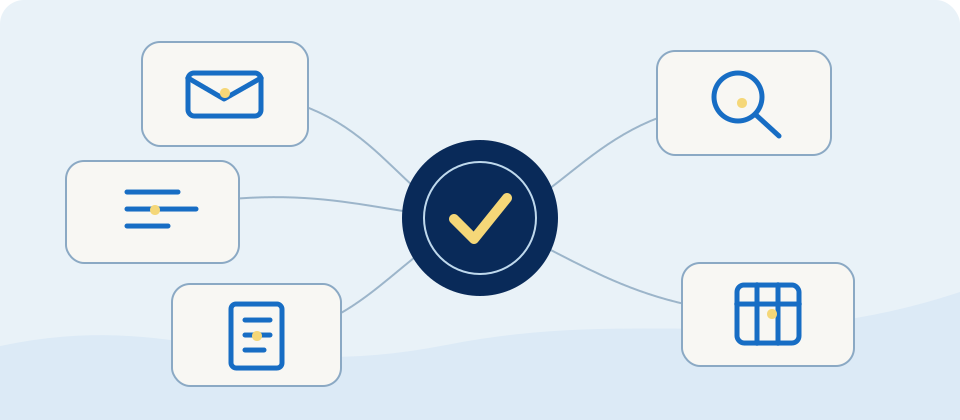
Choose a starting point in one minute
- For drafting emails, explaining ideas and brainstorming, try ChatGPT.
- If you work mainly with Google services or need to discuss long documents, try Gemini and check the limits of your plan.
- For rewriting long passages and discussing documents, try Claude.
- For recent information with links to check, try Perplexity. Open its cited pages yourself.
- If your work already lives in Word, Excel, Outlook or Teams, review Microsoft 365 Copilot and your organisation’s licence.
These are starting use cases, not exclusive capabilities. Available models, search features and subscriptions can change.
What is a token, and what does it cost?
A token is a unit used to process text. It is not the same as one word or one Chinese character. Token counts vary by model and language. Your question, attached text, conversation history and generated answer can all contribute to usage; images and other features may have separate accounting. See OpenAI’s explanation of tokens.
Keep three ideas separate. A context window is how much content can fit into one request; it is not a promise that every detail will be remembered perfectly. Consumer apps may instead have message, feature or changing usage limits: see the official Gemini Apps limits and Claude usage limits. If you build an automated workflow with an API, input, output and other charges matter; a ChatGPT subscription and the OpenAI API are billed separately.
For example, when you paste a long article and ask for three bullet points, the article is input and the summary is output. Repeating the long article in every request can increase total usage. Removing irrelevant pages and asking a precise question often helps more than chasing the largest token allowance.

Five tools: usage, likely strengths and use cases
Each tool below has one everyday task and one usage condition to check. These conditions use different units and do not rank speed or quality.
- ChatGPT: it can draft text and analyse spreadsheets. For example, upload a sales CSV and ask for the best-selling product. Free accounts can upload up to three files per day, possibly fewer at peak times. Official file guide
- Gemini: it can read several files in one prompt. For example, upload two event timetables and ask where they clash. You can add up to ten supported files per prompt, subject to availability. Official file guide
- Claude: it can discuss a PDF containing charts, such as a public annual report. It analyses visuals in PDFs of up to 100 pages; for PDFs of 101 to 1,000 pages, it processes text only. Official file guide
- Perplexity: use it to find recent information and sources, such as a museum’s opening hours, then check the museum’s own site. On Free, basic searches are practically unlimited, while Pro Search is limited to three per day. Official plan guide
- Microsoft 365 Copilot: it can summarise an Outlook email thread and may link back to specific messages, which helps with decisions and action items. Access depends on your licence and settings. Official Outlook guide
These conditions were available in official guides in October 2026. Check the links before subscribing, as features and allowances can change.
How many people use these tools, and what is their ranking?
For a like-for-like historical snapshot, Sensor Tower estimates of mobile-app monthly active users reported in June 2026 rank these five brands as follows:
- ChatGPT: about 1 billion.
- Gemini: about 472 million.
- Claude: about 56 million.
- Perplexity: about 44 million.
- Microsoft Copilot mobile app: about 31 million.
These are mobile-app estimates reported in June 2026, not a current worldwide ranking of all web, API and workplace users. The Microsoft Copilot mobile app in that list is not the same product scope as Microsoft 365 Copilot in this article.
More recent official disclosures use different measures: OpenAI said in September 2026 that ChatGPT had 1.2 billion weekly users; Google said in August that the Gemini app had over 1 billion monthly users; Microsoft said in July that Microsoft 365 Copilot had over 30 million paid seats. Weekly users, monthly users and paid seats cannot be added or used to reorder the mobile-app list. Choose by your own task and test results.
Compare quality with the same small task
No single score represents every job. Give each tool the same non-confidential material and prompt. Check factual errors, sources, writing style, missing rows or details, time spent and access under your plan.
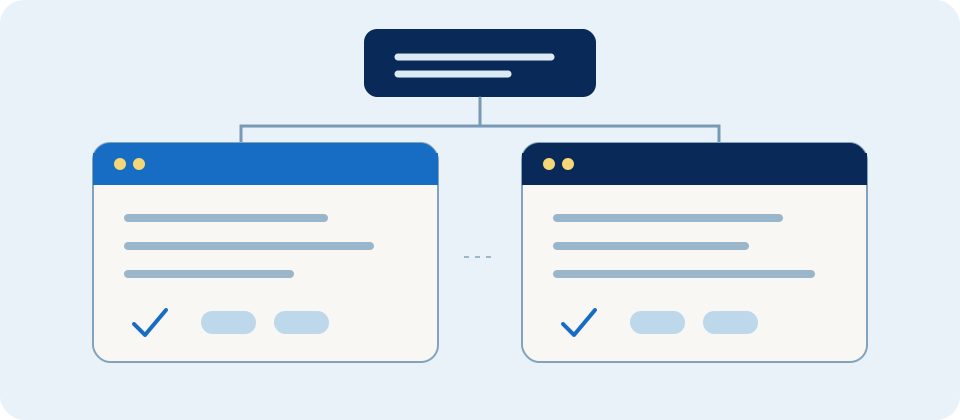
- ChatGPT: ask for three polite versions of a long customer email. Check that it has not invented a promise to the customer.
- Gemini: give it a public event handbook and ask for the registration deadline plus the supporting passage. Spot-check long-file answers against the source; Google explains context and usage limits.
- Claude: give it a paragraph you wrote and ask for a simpler version that preserves every fact. Compare it with your original.
- Perplexity: ask about a recently changed specification, then open the original cited pages and check their dates. Perplexity describes its source-linked search.
- Copilot: if your organisation has an eligible Microsoft 365 licence, try extracting action items from an Outlook message and check the original. Features depend on the account and product configuration; see Microsoft’s service description.
Record accuracy, sources, tone, time and total cost. That tells you more about your work than a ranking that may soon be outdated. Before uploading customer records, medical information, identity documents or unpublished finances, follow your organisation’s policy and the data terms of the particular plan.
Everyday and real business examples
A student can turn their own notes into ten practice questions, then verify answers in the textbook. A traveller can ask for route options, but should verify opening hours and transport schedules on official sites. A small shop can draft product descriptions, with its owner checking dimensions, prices and offers. A charity can draft an event invitation from public details, with a person confirming the date and tone.
Real deployments show the value of a defined workflow. In the Morgan Stanley case study, the firm built an internal knowledge assistant for financial advisers and used evaluations to check its answers. That enterprise system is different from a personal ChatGPT account. The Lex case study describes using Claude to help people draft and revise writing inside Lex’s platform. The lesson is to define the task, source material and human review before choosing the product.
A 15-minute test you can run today
- Pick a task you will actually do next week, such as drafting a public event FAQ.
- Prepare source material with no private or confidential information.
- Give the same prompt to two tools: “Using only the material below, write five beginner-friendly FAQ answers. Keep each under 80 words, cite the relevant passage, and say ‘not confirmed’ when the material does not answer the question.”
- Check every answer against the source. Note errors, revisions, time and the cost to you.
- Choose the option that completes your task and meets your data policy; then test another type of work.
Prepared in October 2026 using official product documentation and published business case studies. Product features, limits and pricing may change; check the linked official pages before subscribing or building an API workflow.
Join the discussion
CommunitySign in to share an idea or question. Comments appear after review.
Sign in to comment